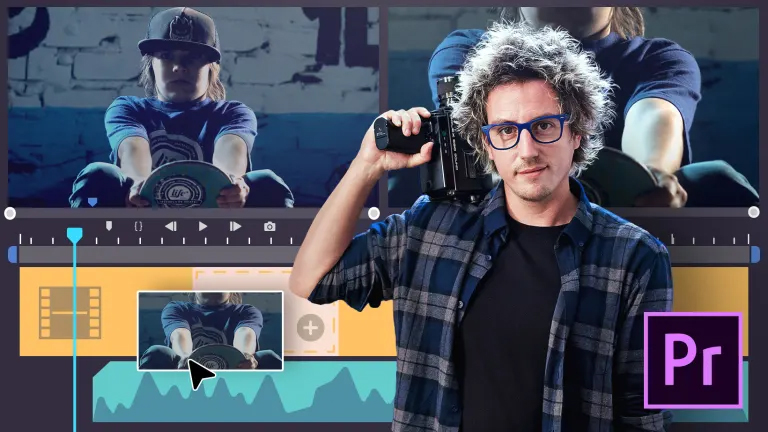
Learn to edit your audiovisual projects with Adobe Premiere Pro and get an efficient workflow designed for professional results.
In this six-course Domestika Basics, Juanmi Cristóbal teaches you the ins and outs of Premiere Pro to create high-quality videos, whether you're just getting started in video editing or you already have some experience.
Begin by getting to know the program, from installing it on your computer to understanding how it integrates with other Adobe Creative Cloud programs and creating your first project.
In the second course, get an introduction to editing in Premiere Pro by learning how to create sequences and use the Canvas and Timeline. Discover the different types of transitions and how to create titles for your videos.
Next, dive into the world of multi-camera editing and keyframes. Juanmi shows you how to set up the interface for an efficient workflow and how the multi-camera editing process works. He also explains what keyframes and masks are and how to use them in your projects.
The next course is all about color transitions and effects. Learn to correct light and color and add effects using adjustment layers and Lumetri Color. Continue color by color making secondary corrections in HSL Secondary to give your work a professional look.
Once you're comfortable with video editing, move on to mixing sound. Although Premiere Pro is not a dedicated audio-editing program, it has some useful features for cleaning up sound such as noise reduction, volume adjustments, fade transitions, and panning.
In the final course, look at exporting projects, choosing their formats, and how to compress them. Learn how to use Adobe Media Encoder in conjunction with Premiere Pro and export your project to other programs for coloring, animation, and audio retouching in EDL, AAF, and XML format.
Technical Requirements
- ⦁ A computer with Windows 10 or macOS 10.12 Sierra (or later).
⦁ Adobe Premiere Pro CC and Adobe Media Encoder (you can buy them or download the 7-day free trial off the Adobe websites).
Course summary
 Session Start 13/11/2024
 Location Online
 Duration 3h 56m
U1: First approach to Premiere Pro (course introduction)
- First approach to Premiere Pro (course introduction)
U2: Creation of a new project
- Creation of a new project
U3: How to import files into Premiere
- How to import files into Premiere
U4: Top menus
U5: Interface windows
U6: Toolbar
U7: Latest news Adobe Premiere Pro I
- Latest news Adobe Premiere Pro I
U8: Latest news Adobe Premiere Pro II
- Latest news Adobe Premiere Pro II