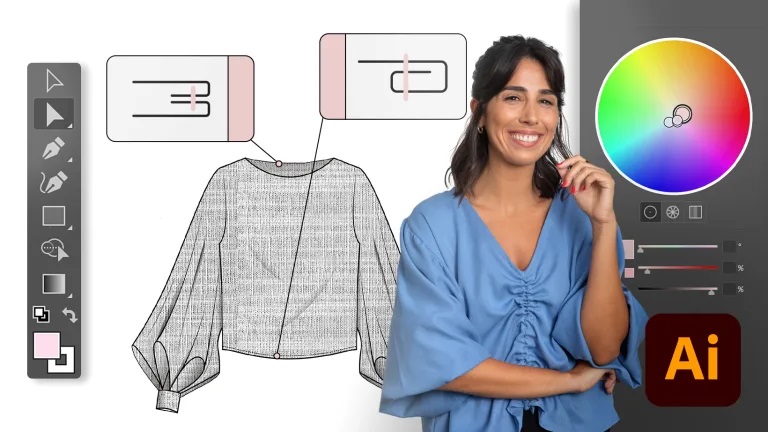
Learn to use the software from scratch to enhance your creative process and develop your designs in a technical and creative way
When producing a clothing collection, the digitalization of the designs and the creation of their corresponding garment specifications are two essential key steps. Fashion designer Mila Moura believes Adobe Illustrator to be the most comprehensive and user-friendly software for this type of design, as it allows you to manipulate and edit figures quickly and effectively.
In this Domestika Basics made up of 5 courses, Mila shows you how to use Adobe Illustrator from scratch and also explains some basic clothing design concepts. Throughout this journey, learn to strengthen your artistic process by dominating vector design and discover the secrets to developing sketches focusing on the technical as well as the creative side.
See how Adobe Illustrator can be used in fashion design before working on your first worksheet. Explore its interface and the tools you need for digitalizing your sketches later on.
Learn everything you need to know to transfer your drawings to the screen, from the differences between embedding an image or not, to how to vectorize your drawings. Mila walks you through the process for an organized and efficient workflow step by step.
In the third course, learn to add elements such as buttons, buckles, zippers, and more. Also see how to use paintbrushes and the "Pen" tool to generate volume and movement in the fashion-specific context.
Once your linear drawing is complete, it's time to add color and texture to your creations. Work with color palettes and continue exploring what the software has to offer: gradients, prints and patterns, shadow, and more.
Mila wraps things up teaching you how to create a garment specification sheet. Include new worksheets, zoomed images with essential details, scale drawings with measurements, and text. Revisit some popular Adobe Illustrator formats for exporting your files.
Technical requirements
- ⦁ A computer with Windows 7 (or later) or macOS 10.12 (Sierra)
⦁ Adobe Illustrator CC (you can either buy it or download the 7-day trial from the Adobe website).
Course summary
 Session Start 05/10/2024
 Location Online
 Duration 5h 20m
U1: Welcome
U2: Why use Adobe Illustrator?
- Why use Adobe Illustrator?
U3: Creating the work canvas
U4: Tour of the interface
U5: Plotting Segments: Line, Arc, and Pen Tools
- Plotting Segments: Line, Arc, and Pen Tools
U6: Selection tools
U7: Practice