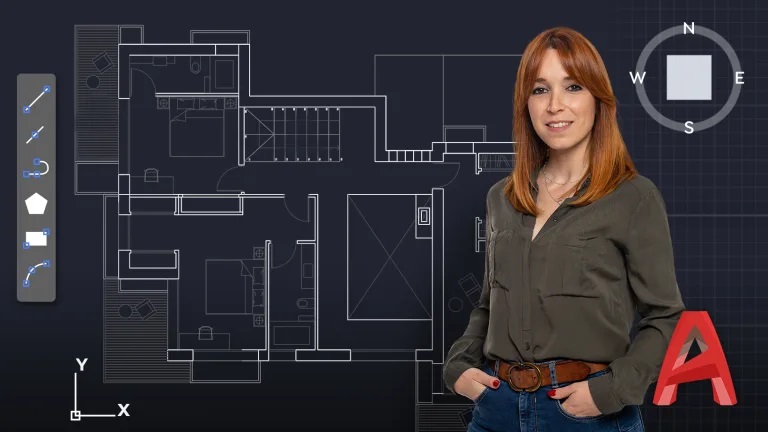
Learn how to draw the blueprints of your architectural projects on Windows from scratch using the most popular software on the market
The versatility of the tools and its compatibility with other software means that AutoCAD is the most used software in architectural and industrial projects. In this Domestika Basics of 5 courses, learn how to draw any type of project from scratch, alongside Alicia Sanz, model maker and interior designer specialized in contract and retail design.
Start with the very basics: installing AutoCAD. Go through the interface, seeing the introduction screen, menu, the ribbon, commands, and workspaces, to customize it as you wish.
Start drawing in the second course. See how the different coordinates system works, get familiar with the drawing tools and their functions, the object selection modes, as well as the modification functions, and more, which will come in handy when working on your project.
See how layers work, their restrictions, and how to group objects efficiently as well as seeing how to create simple and dynamic blocks for a better end result.
Then, in the fourth course, see how to insert and edit images to apply them to your architectural project. Alicia teaches you how to work with external references, and gives you all the professional advice to organize your modeling space.
In the last course, learn all things related to the presentation of your blueprints by creating one step by step. See how to create graphic windows and different styles of note-taking. Understand how the plot styles function and how to publish and trace your project.
Once you have completed this Domestika Basics in AutoCAD, you will have all the knowledge you need to create your own professional architectural projects.
Technical Requirements
- ⦁ A Windows computer (64 bits) 8.1 or later.
⦁ AutoCAD software. You can download the trial version on the Autodesk website.
⦁ It is recommended to have basic knowledge of geometry.
Course summary
 Session Start 05-10+2024
 Location Online
 Duration 6h 8m
U1: Introduction
U2: Installation
U3: Interface
U4: Customization of the work environment
U5: Practice