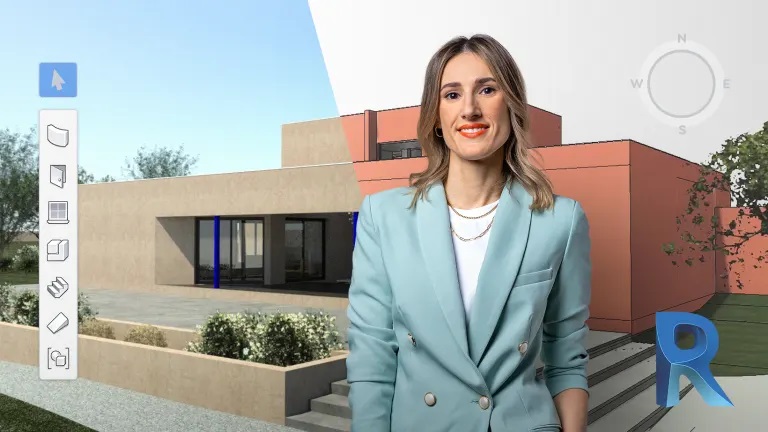
Learn to use this software from scratch to document and bring your projects to life in a precise and professional way
Revit is the most popular BIM software for modeling architecture projects because it allows you to develop every step of the process, from the concept, visualization, and analysis to the manufacturing and construction. According to architect Majo Mora, the program's 3D modeling environment saves you time and drives more efficient, precise, and profitable solutions.
In this eight-course Domestika Basics, learn how to use Revit from scratch to develop your own architectural projects with professional results. Master the tools to create walls, floors, roofs, and structures as well as realistic plans and presentations alongside Majo Mora. By the end, you'll be able to create basic projects in Revit with your personal touch.
Start this Domestika Basics with an introduction to Revit, the concept of BIM, and the wide variety of options the program has to offer. Majo then shows you how to install the program and goes over the system requirements.
Next, explore the basic tools that allow you to start modeling your project. Create multi-layer walls with different widths and custom materials as the first building blocks for your project.
In the third course, focus on creating horizontal elements such as floors, ceilings, and roofs and take an in-depth look at curtain walls.
In the next course, learn how to create vertical circulation elements such as stairs, railings, and ramps. Your teacher also shows you how to adjust slopes and explains their limitations.
In the fifth course, explore tools to model topography and terrain and create the building site or location. Enhance the environment by adding vegetation and a person drawn in elevation view.
Next, reinforce the structure of your project by learning key concepts about columns, foundations, and beams. Create automatic beam systems and see how they can be used in architecture projects.
In the seventh course, create blueprint documents with dimensions, tables, and legends to export your project and make it printable.
Wrap up this Basics by learning how to work with advanced 3D views and render your designs to give your project a realistic look. Master these features and take your work to new heights.
Technical requirements
- ⦁ Basic notions of AutoCAD or a similar program
⦁ Knowledge of architecture
⦁ A computer compatible with Revit, full or trial version, and at least 8GB of RAM. If you have a version prior to Revit 2022, you won't be able to open the assignments and reference files, although they're not essential for competing the course.
Course summary
 Session Start 05-10+2024
 Location Online
 Duration 7h 50m
U1: Introduction
U2: Introduction to Revit
U3: The work interface
U4: Creation of elements
U5: Practice