
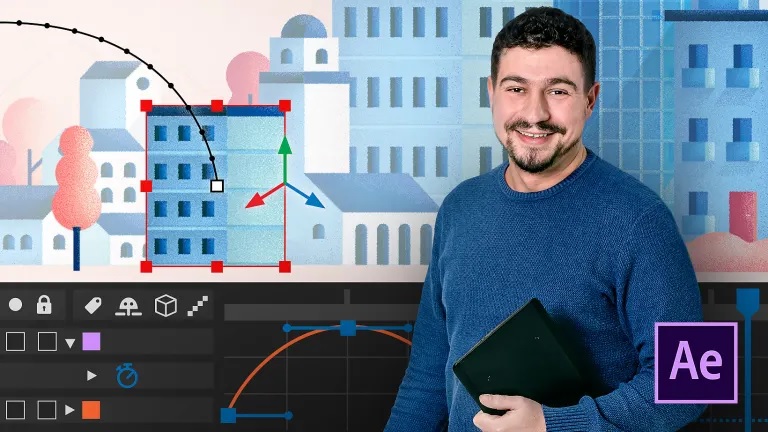
Introduction to After Effects
A course by

Learn After Effects from scratch and master the leading motion graphics and post-production software on the market

From elaborate animation projects to fun GIFs for social media, the leading creative video editing software Adobe After Effects has no limits when it comes to animation design. In this five-course Domestika Basics, learn the ins and outs of the program to start editing and animating like a pro.

Discover a thorough learning method that’s filled with resources to become an expert motion graphics designer. Start by getting to know the interface and the workflow layout in After Effects so you can work efficiently right out of the gate.

Learn how to use two key tools for 2D animation: masks and layers. Then, create different video effects and see how to use text animators and work with expressions.

Understand 3D space, how to control cameras and lights, and how to work with 3D compositions containing different elements imported from other programs.

Finally, Zenzuke shows you his advanced motion graphics tricks and techniques, and shares some useful scripts so you can take your animations to the next level in After Effects.

Technical requirements

  • ⦁ A computer with Windows 7 (or later) or macOS 10.11 El Capitan (or later).
    ⦁ 8 GB or more of RAM.
    ⦁ A graphic card less than 5 years old, although an older one might still work.
    ⦁ Adobe After Effects CC (you can download the free 7-day trial version from the Adobe website).


Course summary
  • Session Start 05-10-2024
  • Location Online
  • Duration 14h 2m

U1: Presentation and basic concepts

  • Presentation and basic concepts

U2: Installation, configuration and interface

  • Installation, configuration and interface

U3: The workflow in After Effects

  • The workflow in After Effects 1

  • The workflow in After Effects 2

  • The workflow in After Effects 3

  • Other ways to import PSD and Illustrator

U4: Working with layers

  • Working with layers

U5: After Effects layer types

  • Types of layers in After Effects

U6: Skins, mattes and blending modes

  • Skins, mattes and blending modes 1

  • Skins, mattes and blending modes 2

U7: Effects

  • Effects

U8: Compositions and precompositions

  • Compositions and precompositions

U9: The timeline

  • Timeline 1

  • Timeline 2

  • Timeline 3

U10: Behind The Scenes, basic

  • Behind The Scenes, Basics 1

  • Behind The Scenes, Basics 2

U11: Practice: Basic Titles

  • Practice: Basic Titles 1

  • Practice: Basic Titles 2

  • Practice: Basic Titles 3

Regular Price

AED550

Pay the full price

Buy Now
  • 61 lessons (14h 2m)
  • 5 courses
  • Online and at your own pace
  • Audio: Spanish
  • Spanish, English, Portuguese, German, French, Italian, Polish, Dutch
  • Level: Beginner
  • Unlimited access forever
or
Subscribe to Future Design Academy top courses

Get this course, plus 11,000+ of our top-rated courses, with Personal Plan.

Start Subscripton
Personal Plan
  • Access to over 12,000 of our top courses in tech, business, and more
  • Hands-on learning experiences to build your skills
  • Course recommendations to help you start learning faster
Proceed to Checkout