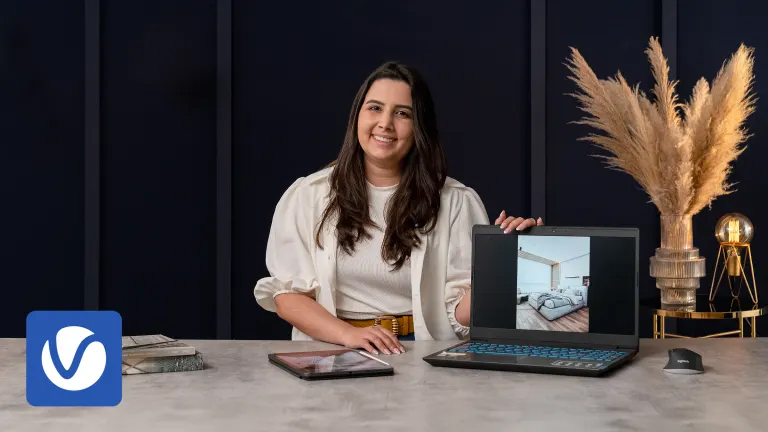
Photorealism with V-Ray: Practical Lighting Techniques
A course by Karine Lima

Photorealistic rendering is essential for creating images that convey emotions and feelings through 3D projects. In this course, you will learn how to master lighting with V-Ray, using techniques that will transform your SketchUp models into stunning digital photographs. Instructor Karine Lima, an architect and V-Ray specialist, will guide you through concepts such as natural and artificial lighting, material adjustments, and creating multiple lighting moods. The course covers everything from the basics of V-Ray to rendering interior and exterior environments with a hands-on approach. Additionally, Karine will share her post-production techniques in Photoshop to finalize your images. With years of experience and clients across the globe, Karine is known for her renderings that capture the essence of architectural projects.

What is this course's project?

You will create two sets of photorealistic images: one for an interior environment and one for an exterior environment, each with 3 different lighting moods (sunny day, blue hour, and overcast), along with a scene without natural light.

Who is this online course for?

This course is aimed at architects, interior designers, 3D artists, and anyone who uses SketchUp to represent projects and wants to enhance their skills in creating realistic visualizations. If you're looking to learn how to create impactful renderings using practical lighting techniques, this course is for you.

Requirements and materials

It's recommended to have basic knowledge of 3D modeling in SketchUp. To follow the lessons, you will need to have SketchUp 2020 and V-Ray 5.2 installed on your computer. Additionally, you will need access to Photoshop for the post-production part of the images.

Course summary
  • Session Start 18/11/2024
  • Location Online
  • Duration 3h 29m

U1: Introduction

  • Presentation
  • Influences

U2: Principles of realistic rendering

  • Modeling is the basis
  • Optimize workflow
  • Introduction to V-Ray
  • Apply V-Ray materials to the model
  • Humanize your design with the V-Ray block library

U3: Getting to know the V-Ray lights

  • The importance of good lighting
  • How V-Ray 1 Artificial Lights Work
  • How V-Ray 2's artificial lights work
  • How V-Ray Natural Lights Work

U4: Get your hands dirty

  • Optimize and frame project scenes
  • How to light the indoor scene 1
  • How to light the indoor scene 2
  • How to light the outdoor scene
  • How to light a room without natural light
  • Render the final images and edit in the V-Ray Frame Buffer

U5: Finalization

  • Processing the final images in Adobe Photoshop
  • How to share images

Final project

  • Photorealism with V-Ray: Lighting in Practice

Regular Price

AED370

Pay the full price

Buy Now
  • 19 lessons (3h 29m)
  • 29 additional resources (17 files)
  • Online and at your own pace
  • Audio: Portuguese, English
  • Portuguese · Spanish · English · German · French · Italian · Polish · Dutch
  • Level: Beginner
  • Unlimited access forever
or
Subscribe to Future Design Academy top courses

Get this course, plus 11,000+ of our top-rated courses, with Personal Plan.

Start Subscripton
Personal Plan
  • Access to over 12,000 of our top courses in tech, business, and more
  • Hands-on learning experiences to build your skills
  • Course recommendations to help you start learning faster
Proceed to Checkout