
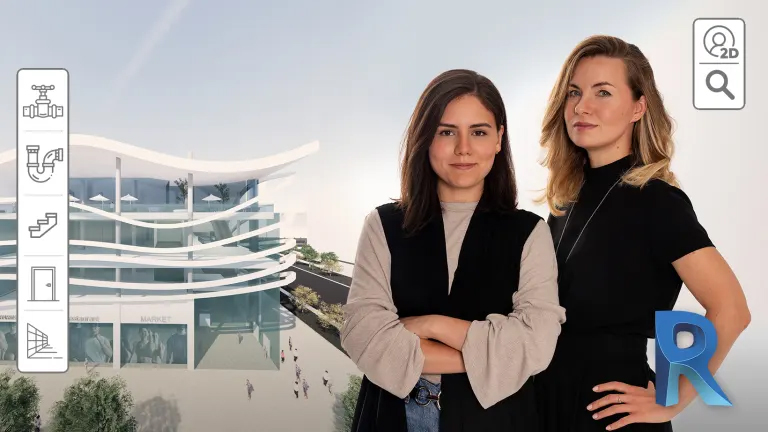
Autodesk Revit for Beginners
A course by BIM it

BIM stands for Building Information Modeling, an architectural and engineering method for creating digital representations of buildings. For this process, Autodesk Revit has become the standard that architects, engineers, and designers all swear by. In this 7-course Domestika Basics, learn how to use the software with the help of Paula Cabral and Nataliya Tokmacheva, the two Barcelona-based architects at the helm of BIM it.

Start by understanding how the Revit system works, see its features and advantages, before installing it and getting familiar with the interface.

Then, learn how to prepare your files before you start modeling. Select a real place in the world before configuring the coordinates of the plot and the desired units.

Create grids and all types of views such as sections, elevations, and 3D views.
Then, learn how to work with the main elements, like walls, floors, roofs, and more.

Go deeper into detail families: stairs, glazing walls, railings, windows, and creating your own parametric family. Learn the mass creation to come up with any shape you like.

Learn the keys to organizing a project. Paula and Nataliya show you how to control visibility and the graphic tool, annotation families, rooms, options, and phases. Also, learn how to create topography and configure the sun’s real position.

Finally, learn how to render images and video and all the ways of exporting and printing your project documentation.

Technical Requirements


  • ⦁ A computer with 64-bit Microsoft Windows 10.
    ⦁ 8 GB RAM.
    ⦁ Revit 2021 (not included in the price of the course, but available on the Autodesk website with a license or a free trial).
    ⦁ 30GB of free disk space.
Course summary
  • Session Start 18/11/2024
  • Location Online
  • Duration 11h 19m

U1: Introduction to the Course

  • Introduction to the Course

U2: Installing Revit and Versions

  • Installing Revit and Versions

U3: Opening the Program, Project Template and Revit File Formats

  • Opening the Program, Project Template and Revit File Formats

U4: Interface

  • Interface

U5: Practice

  • Practice

Regular Price

AED540

Pay the full price

Buy Now
  • 52 lessons (11h 19m)
  • 7 courses
  • Online and at your own pace
  • Audio: English
  • English · Spanish · Portuguese · German · Italian · French · Polish · Dutch
  • Level: Beginner
  • Unlimited access forever
or
Subscribe to Future Design Academy top courses

Get this course, plus 11,000+ of our top-rated courses, with Personal Plan.

Start Subscripton
Personal Plan
  • Access to over 12,000 of our top courses in tech, business, and more
  • Hands-on learning experiences to build your skills
  • Course recommendations to help you start learning faster
Proceed to Checkout