
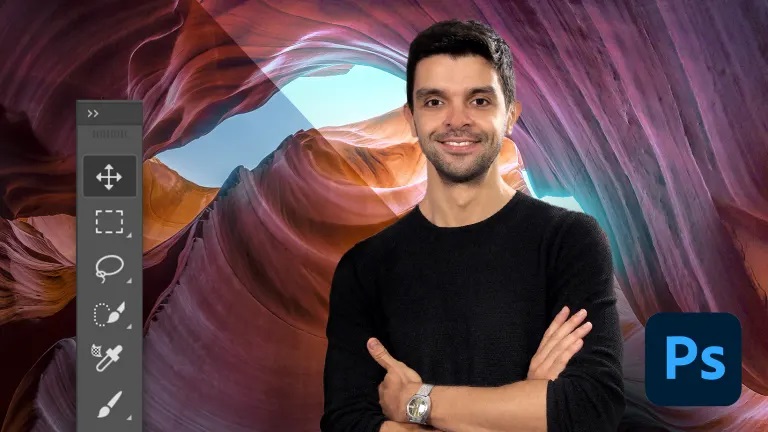
Introduction to Adobe Photoshop
A course by Carles Marsal , Visual artist

Learn to master Adobe Photoshop, the most widely used tool for image processing and digital retouching

By taking these 5 courses, you'll learn to use Adobe Photoshop even if you've never used the program before. Through a series of practical lessons, you'll learn everything you need to know to become a design or digital publishing professional.

You'll start by getting to know Adobe Photoshop's interface and its main tools. You'll learn to manage and combine documents, work with layers and selections. Plus, another thing that's essential for this type of project: masks.

Then you'll dive into the world of photomontage and learn image size and resolution fundamentals. Also, you'll learn to use transformations so that you can portray anything that you set your mind to.

Later, you'll discover the vast world of options that Photoshop brushes offer.

You'll also learn how to use the retouching tools to reconstruct, clean up and improve your photographs and images with an impeccable and realistic finish.

Finally, Carles will explain how to properly apply adjustment layers. Using these, you can do a detailed light and shadow treatment and adjust the color to your project's needs.


Who is it for?

These are introductory courses and no prior knowledge of any kind is necessary. That said, it's aimed at anyone interested in getting started with Adobe Photoshop.


Technical requirements

⦁ Adobe Photoshop CC (not included in the price of the course, but available on the Adobe website with a license and 7-day trial period).
⦁ Windows 7 operating system (or higher) or macOS El Capitan (or higher).
⦁ A graphic tablet is recommended, although it's not essential.


Course summary
  • Session Start 04-10-2024
  • Location Online
  • Duration 6h 54m

U1: Welcome

  • Welcome

U2: Landing in Photoshop

  • Landing in Photoshop

U3: Navigating the image

  • Navigating the image

U4: Document management

  • Document management

U5: Moving content

  • Moving content

U6: Layers are everything

  • Layers are everything

U7: Simple but effective selections

  • Simple but effective selections

U8: Precision vs. shape

  • Precision vs. form

U9: Magic selections

  • Magic selections

U10: When in doubt: masks

  • When in doubt: masks

U11: Exercise: masks for photocomposition

  • Practice: masks for photocomposition

Regular Price

AED550

Pay the full price

Buy Now
  • 50 lessons (6h 54m)
  • 5 courses
  • Online and at your own pace
  • Audio: Spanish, English
  • English, Portuguese, German, French, Italian, Polish, Dutch
  • Level: Beginner
  • Unlimited access forever
or
Subscribe to Future Design Academy top courses

Get this course, plus 11,000+ of our top-rated courses, with Personal Plan.

Start Subscripton
Personal Plan
  • Access to over 12,000 of our top courses in tech, business, and more
  • Hands-on learning experiences to build your skills
  • Course recommendations to help you start learning faster
Proceed to Checkout