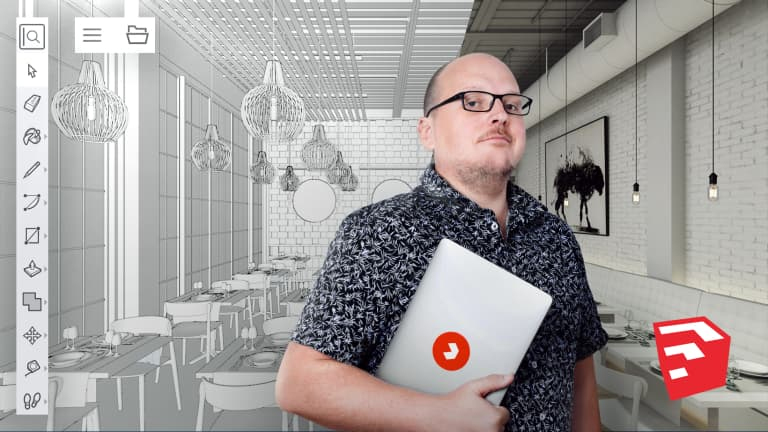
If you want to start shaping your ideas and communicating them in 3D, this is the design software for you. It's user-friendly and allows for a quick and efficient 3D modeling process. In this five-course Basics, master SketchUp from scratch and model in three dimensions with designer and 3D visualization specialist Alejandro Soriano. This software offers a complete set of tools for designing an entire project from start to finish.
In the first course, get familiarized with the software and learn to use basic tools: configure the camera, create your first lines, and see how to generate volume. Then, learn how to customize your keyboard with shortcuts.
Start the second course by drawing using polygons and a range of useful tools such as Move, Copy Models, and Select, and discover the different volume types.
In the third course, learn to create and manage groups and components, seeing how to integrate them on surfaces or orient them towards the camera. Do this for both component and group solids. Then see how to model with the Scale tool and Solids.
Next up, in the fourth course, begin to create your own materials with solid colors and textures. Experiment with mapping a texture on a surface, adapt photographs with one or more points of view, and examine SketchUp's different graphic styles.
In the fifth course, look at how to use Outliner and Layers in tandem, make sections, and work with shadows. Create and manage scenes by saving the views of a model as well as animating them. Finally, learn to export your 3D model and delve a little deeper into the extensions.
Technical Requirements
⦁ A computer with Windows 7 (or later) or macOS 10.12 (Sierra)
⦁ The SketchUp software (you can buy it or download the 30-day trial version on the SketchUp website).
Course summary
 Session Start 15/11/2024
 Location Online
 Duration 6h 24m
U1: Presentation
U2: Versions and installation
- Versions and installation
U3: First contact
U4: Navigating the model
U5: The importance of the point of view
- The importance of the point of view
U6: The first strokes
U7: From flat surface to volume
- From flat surface to volume
U8: Measuring tools
U9: Keyboard shortcuts
U10: Modeling practice