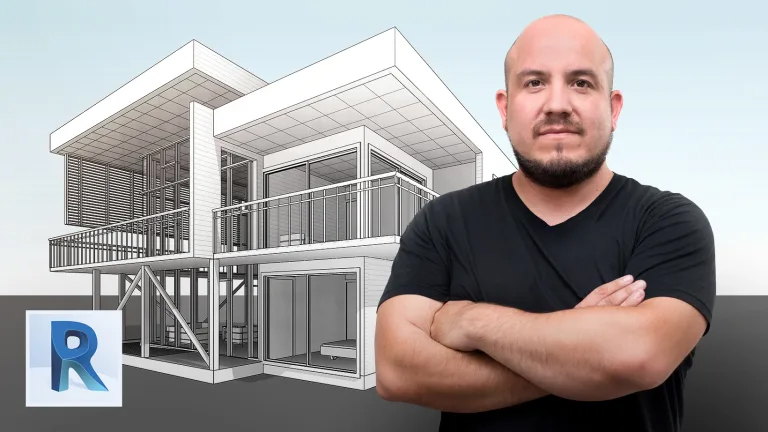
3D Architectural Design and Modeling with Revit
A course by Arturo Bustíos Casanova

Arturo began his interest in architecture through video games, seeing how 3D buildings were designed within a space, and it’s thanks to software like Revit that he is able to express his architectural creativity to the fullest. Now a certified Revit professor in the school of Computer Design Chile, and with over 9 years of experience in designing commercial and private architectural buildings, Arturo specializes in BIM (Building Information Modeling) architecture design, working on major architectural projects in Chile.

In this course, learn how to design and model a home composed of five rooms with Revit, using Arturo’s BIM methodology, learning each step to create a professional architectural 3D render and create your final presentation boards, ready to present to a client.

What is this course's project?

Model your own DOM home composed of five rooms on Revit software, using a BIM model with a 1-2 level of maturity.

Who is this online course for?

For architects, designers, builders, and engineers that want to start learning how to create a BIM model.

Requirements and materials

Basic knowledge of AutoCAD, as well as 3D modeling programs such as SketchUp is ideal, although not essential to take this course.

You will need a Windows computer that complies with Autodesk’s system requirements for optimal rendering of the Revit software.

Course summary
  • Session Start 15/11/2024
  • Location Online
  • Duration 5h 29m

U1: Introduction

  • Presentation
  • Influences
  • What will we do in the course?

U2: Revit approach

  • Knowing Revit
  • Assisted design commands
  • Concept of families, types and instances
  • Creation of axes and levels
  • Creation of annotations, dimensions and texts 1
  • Creating annotations, dimensions and texts 2

U3: Advanced modeling

  • Wall design
  • Wall design 2
  • Column layout
  • Curtain wall design
  • Curtain Wall Design 2
  • Inserting doors and windows 1
  • Inserting doors and windows 2
  • Floor and ceiling design
  • Element materiality
  • Cover design
  • Stair and handrail design
  • Design of ramps and components

U4: Obtaining information and data

  • Design of cuts, elevations and views
  • Table creation
  • Create presentation sheets

Final project

  • Introduction to Revit

Regular Price

AED360

Pay the full price

Buy Now
  • 24 lessons (5h 29m)
  • 21 additional resources (12 files)
  • Online and at your own pace
  • Audio: Spanish, English, Turkish
  • Spanish · English · Portuguese · German · French · Italian · Polish · Dutch
  • Level: Beginner
  • Unlimited access forever
or
Subscribe to Future Design Academy top courses

Get this course, plus 11,000+ of our top-rated courses, with Personal Plan.

Start Subscripton
Personal Plan
  • Access to over 12,000 of our top courses in tech, business, and more
  • Hands-on learning experiences to build your skills
  • Course recommendations to help you start learning faster
Proceed to Checkout