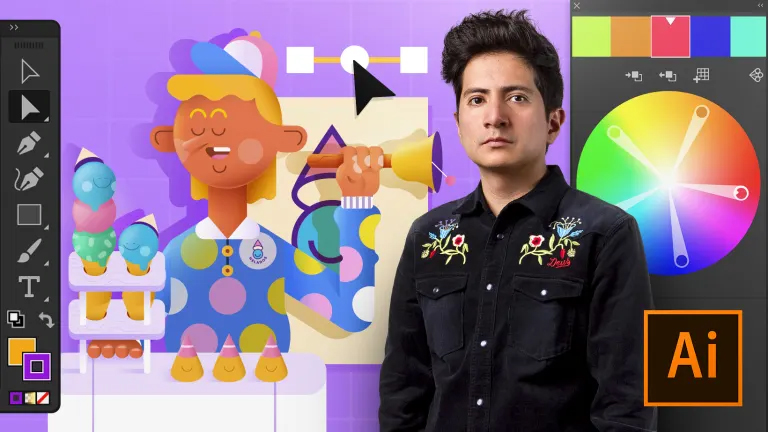
If you want to bring your vector projects to life with professional expertise, whether in print or digital formats, this six-course Domestika Basics taught by designer and illustrator Aarón Martínez is for you. Discover how the software works, learn how to use the tools from scratch, and apply everything you learn throughout the course with a variety of practical exercises.
Start by getting familiar with the interface, see how to create a document from scratch, and then produce your first vector lines to create basic shapes.
Then enter the world of geometry using the Pathfinder tool to transform figures and create new ones with total freedom.
Master key tools such as Pencil, Brush, and Pen for working with ease in Illustrator. Once you understand how they work, see the different ways to digitize an image with vectors.
Learn all about color use in this software as Aarón explains the difference between the CMYK and RGB color modes and their basic characteristics. Create a Pantone® color palette, discover tools such as the Paint Bucket, and achieve unique results with Pathfinder, linear and radial gradients, Blending modes, and Effects.
See how to work on and modify a text to any shape. Start by creating a linear text and then a text inside a box before working them both in and around figures.
Learn how to edit typography as well as define kerning, tracking, weight, and line spacing. Next, explore how to arrange text in a paragraph, as well as align it, justify it, and more.
Discover how to customize your workspace by configuring a specific profile to your needs and hear some advanced tips from Aarón to improve your workflow to suit a particular project.
Finally, take a look at the most commonly used printing formats and ideal digital formats for social networks, as well as learn how to export a PDF file for printing and compress it to prevent the document from being altered or losing quality.
Technical Requirements
- ⦁ A computer with Windows 7 (or later) or macOS 10.12 (Sierra).
⦁ Adobe Illustrator CC (you can either buy it or download the seven-day trial version on the Adobe website.
⦁ A graphics tablet is also recommended but not essential.


 Session Start 14/11/2024
 Location Online
 Duration 10h 9m